
Table of Contents
Navigate through DTikTok's complete guide and discover all features
DTiktok is a Shortcut for IOS Devices, It helps you to Download Any Videos from Famous Social Media Called TikTok. Download DTiktok Shortcuts for iPhone or iPad for Free.
About DTikTok
DTiktok is a Customized iOS Shortcuts for Apple Devices, It was Developed and Designed by RHN in 2020. This Shortcut Can be Installed and Used on any IOS Device like an iPad or iPhone, Android Devices will be not Supported. With DTiktok You can Download Video Files from the TikTok App. Normal Video, Without Watermark Videos, and Only Audio Files can be Download directly to your iPhone using This Shortcut.
So if you Want to Download TikTok Videos on your iPhone or iPad then DTikTok is for You. From this website, you can get the Original DTiktok Shortcut for Free.
Why DTikTok is the Best?
Discover what makes DTikTok the ultimate TikTok downloader for iOS users
DTikTok stands out as the best TikTok downloader for iPhone and iPad users because of its simplicity, speed, and powerful features. Unlike traditional apps or websites, DTikTok is a secure Shortcut specifically designed for iOS devices. It allows users to download TikTok videos directly to their camera roll without any watermarks, preserving the original quality. Additionally, DTikTok offers the flexibility to save videos, extract only audio files, and access region-locked content easily. Since it is built as an Apple Shortcut, it ensures better compatibility with iOS 17 and later versions, without risking device security. Developed by RHN, a trusted Shortcut creator since 2020, DTikTok has helped thousands of users save their favorite TikTok content effortlessly. Whether you want normal videos, watermark-free downloads, or just the soundtracks from TikTok clips, DTikTok gives you complete control — all for free and without the need for extra apps. That's why DTikTok is the ultimate choice for every iOS user who loves TikTok!
DTikTok Features
Here's what makes DTikTok a must-have Shortcut for iPhone and iPad users:
Download TikTok Videos Without Watermark
DTikTok lets you save TikTok videos directly to your device without any watermark, keeping the original video clean and professional.
High-Quality Downloads
Every video you download using DTikTok stays in its original quality — no compression, no pixelation, and no loss of audio or video clarity.
Audio-Only Download Option
If you just love a TikTok sound or song, DTikTok allows you to download only the audio file without needing to save the full video.
Fast and Easy to Use
With just a few taps, you can download videos directly inside the TikTok app using the Share menu — no complicated steps required.
100% Free and Safe
DTikTok is completely free to use. It's built as a Shortcut, meaning it runs inside the official Shortcuts app by Apple, ensuring maximum security for your device.
Compatible with Latest iOS Versions
DTikTok works perfectly with IOS 17 and latest, so you won't face compatibility issues on modern iPhones or iPads.
Lightweight and Quick Setup
The Shortcut file is very small (only around 1.5MB) and installs within seconds without needing any third-party apps.
Regular Updates
DTikTok is maintained and updated by its creator (RHN), ensuring better performance, bug fixes, and compatibility improvements over time.
How to Download and Install DTikTok on iPhone or iPad?
Follow these simple steps to get DTikTok running on your device
If you are going to install iOS Shortcuts for the First time, Then Don't worry. Because the Installing Process Of DTiktok is Very Simple, anyone can install this shortcut into their iPhone just by following the steps given below:
#Step1 Install Shortcuts App
Make sure You have already installed the Shortcuts Application On Your Device. If This application is not installed please install this Application Form This Link (Download Shortcuts App from App Store). Because Every Shortcut is working with this application. If This application is already installed then skip Step 1.
#Step 2 Find Shortcuts Link
Visit the Official website of DTikTok (https://dtiktokv3.pages.dev) and Find the Add Shortcut Button, when find the button then click on It For The Next Process.
#Step 3 Setup DTikTok
After Clicking on The Add Shortcut Button You will land on the Setup page Of this Shortcut. Then Also, Click On the Add Shortcut Button in this Setup Page. Congratulations you have successfully added this Shortcut to your device.
🎉 Installation Complete!
DTikTok is now ready to use on your device
Download DTikTok Shortcut for IOS Device
Get the latest version of DTikTok for free

DTikTok iOS Shortcut
App Specifications
Name
DTikTok
Version
4.4.3
File Size
1.5MB
File Type
Shortcut
Support
IOS 17 and latest
Ready to download TikTok videos without watermarks?
Screenshots
See DTikTok in action with these app screenshots
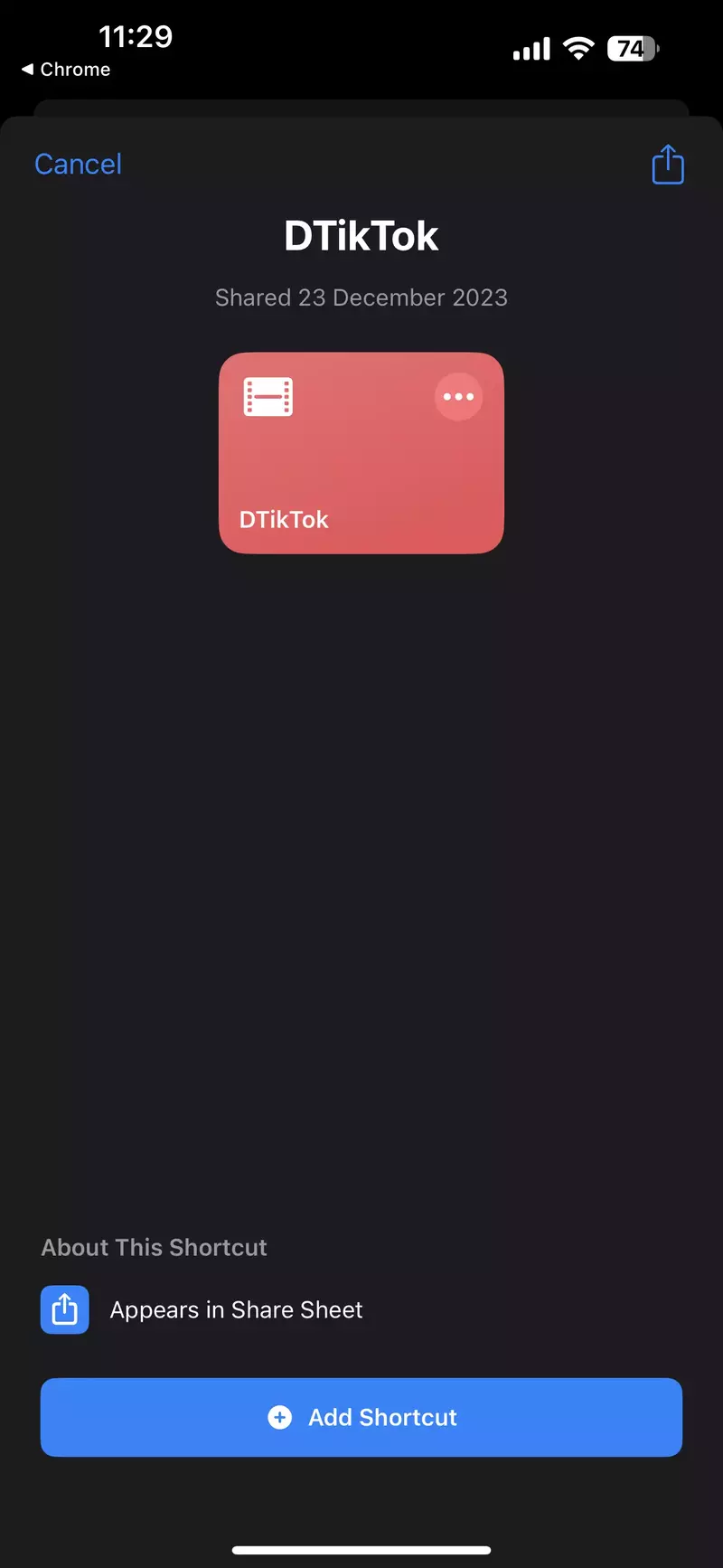
App Interface
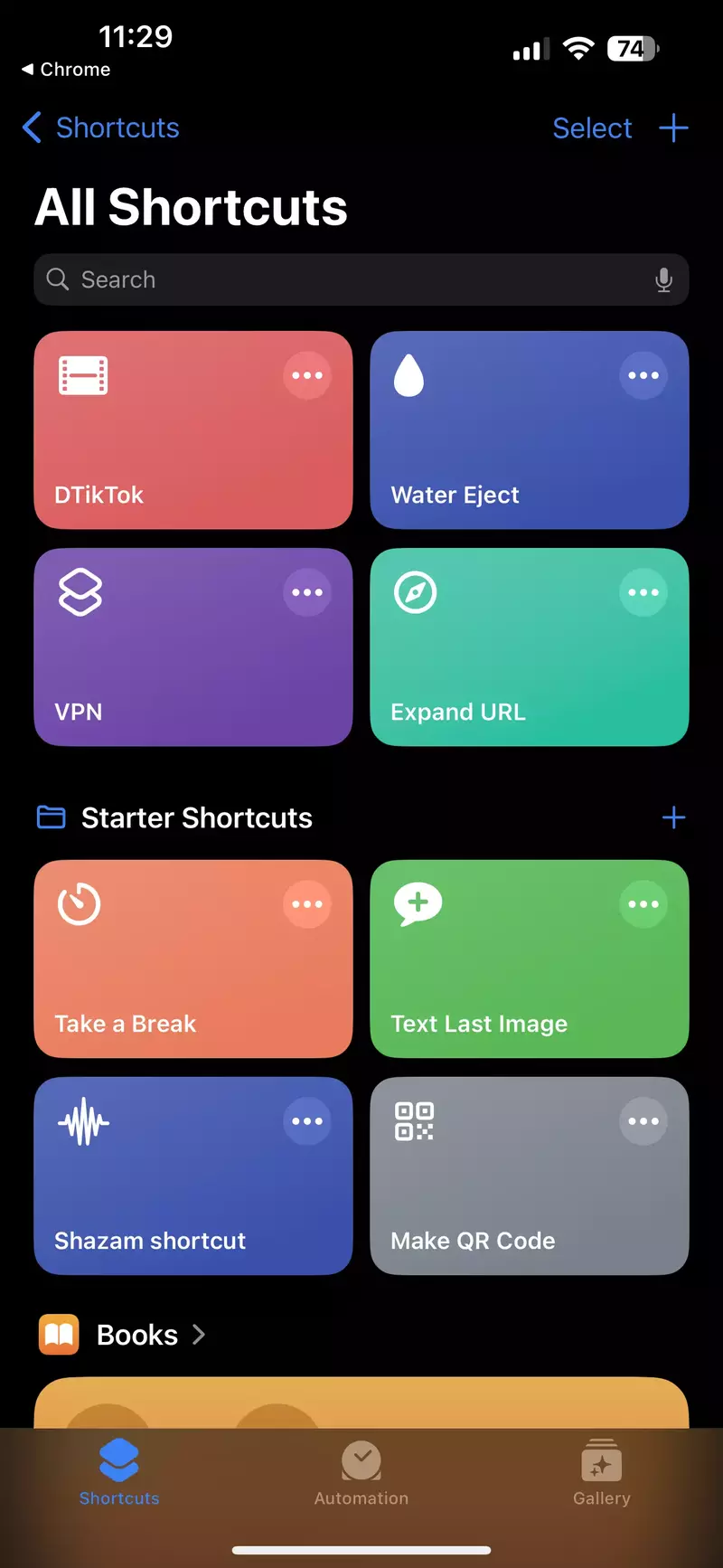
Download Process
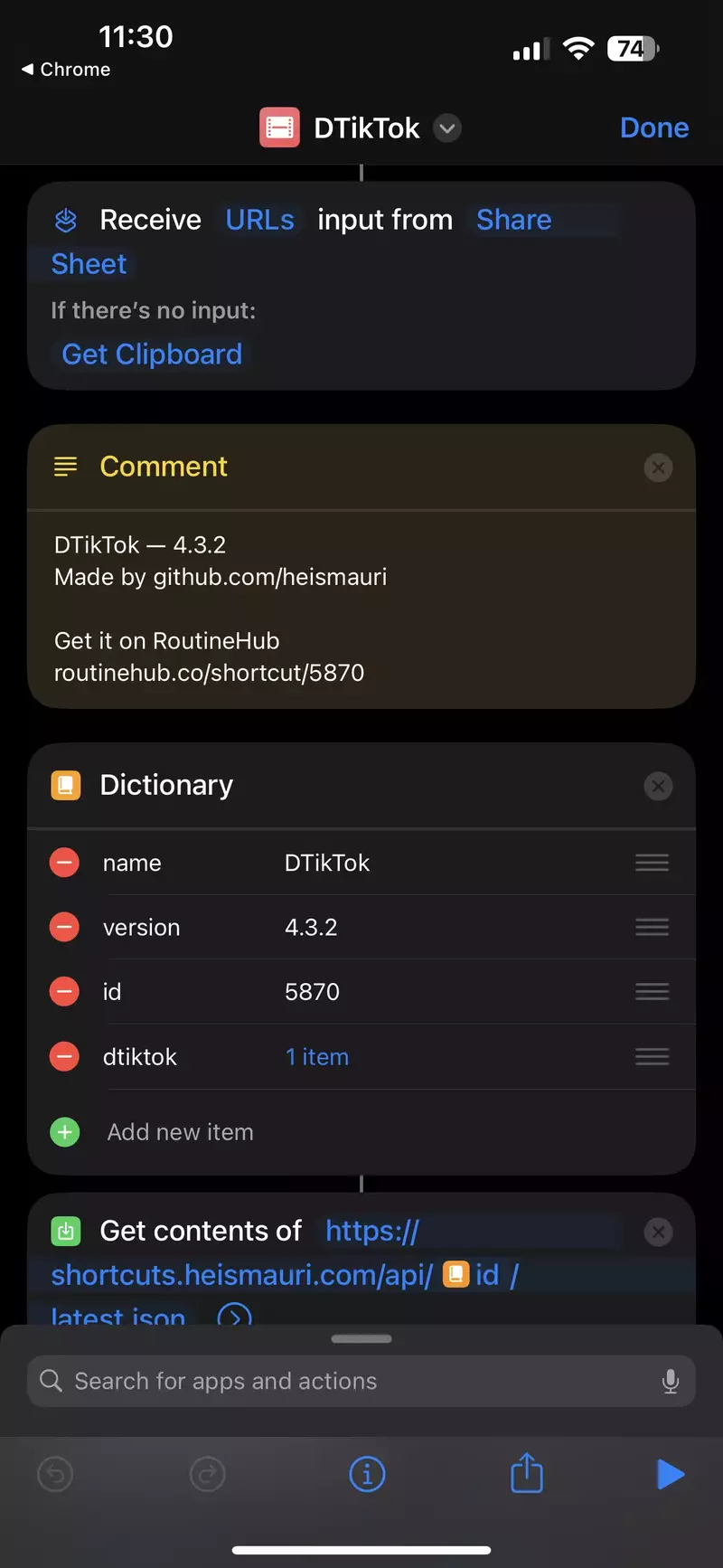
Quality Options
Success Confirmation
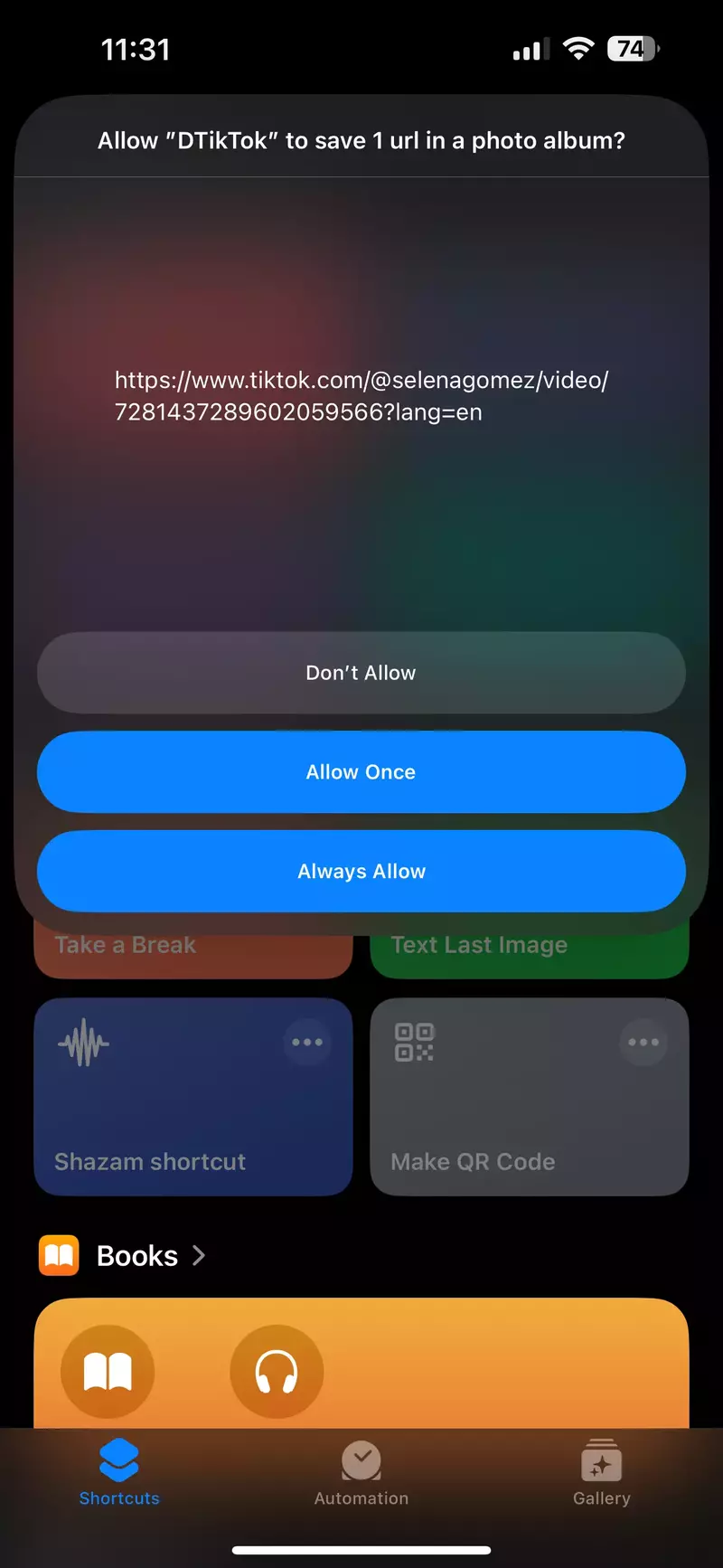
Screenshots taken from the actual DTikTok shortcut running on iOS devices
Frequently Asked Questions
Find answers to common questions about DTikTok
No, unfortunately DTikTok only works on iOS devices running iOS 12 or later that have the Shortcuts app installed. There is no Android version available.
No, DTikTok is not officially approved or endorsed by TikTok. It is a third-party shortcut that provides download functionality not innate to the TikTok app. Use at your own discretion.
Open the Shortcuts app and tap on "DTikTok" to launch it. When prompted, paste the link to the TikTok video you want to download. Tap run, and the TikTok video will begin downloading to your photo library. Also You can use it through the Share Button Of Tiktok Videos.
Yes, DTikTok downloads the videos in their original quality, the same resolution and file size as viewing them in the TikTok app. No compression or quality loss occurs.
Yes, DTikTok is completely safe to use. It's an open-source shortcut that doesn't collect personal data or require any permissions beyond what's needed for downloading videos. All operations are performed locally on your device.
DTikTok is regularly updated to ensure compatibility with the latest iOS versions and TikTok changes. Updates are released as needed, typically every few months, and you'll always get the latest version from our official download link.
Feel free to reach out to us through our social media channels for additional support
Legal & Disclaimers
Important information and compliance details
DMCA Compliance
dtiktokv3.pages.dev complies with 17 U.S.C. * 512 and the Digital Millennium Copyright Act (DMCA). It is our policy to respond to any infringement notices and take appropriate action. If your copyrighted material has been posted on the site and you want this material removed, Contact us.
Promotional Website
This Is A Promotional Website Only, All Files Placed Here Are For Introducing Purposes Only. All Files Found On This Site Have Been Collected From Various Sources Across The Web And Are Believed To Be In The "Public Domain". If Have Any Other Issues Then Feel Free To Contact Us.
Trademark Notice
We are not associated with TikTok by any means. TikTok is a registered trademark of Bytedance Ltd. & www.bytedance.com
Domain Update
Note: Our official domain has changed from DTiktok.Net to dtiktokv3.pages.dev. We have enhanced all content with expert reviews, curated recommendations, safety checks, and original guides to ensure a better and fully compliant user experience.
Thank You for Choosing DTikTok
DTikTok has been serving the iOS community since 2020, providing a reliable and safe way to download TikTok videos. We remain committed to maintaining the highest standards of quality, security, and user experience.